
Everything a race engineer needs.
What StintOS does in detail, from overlays to driver analysis.
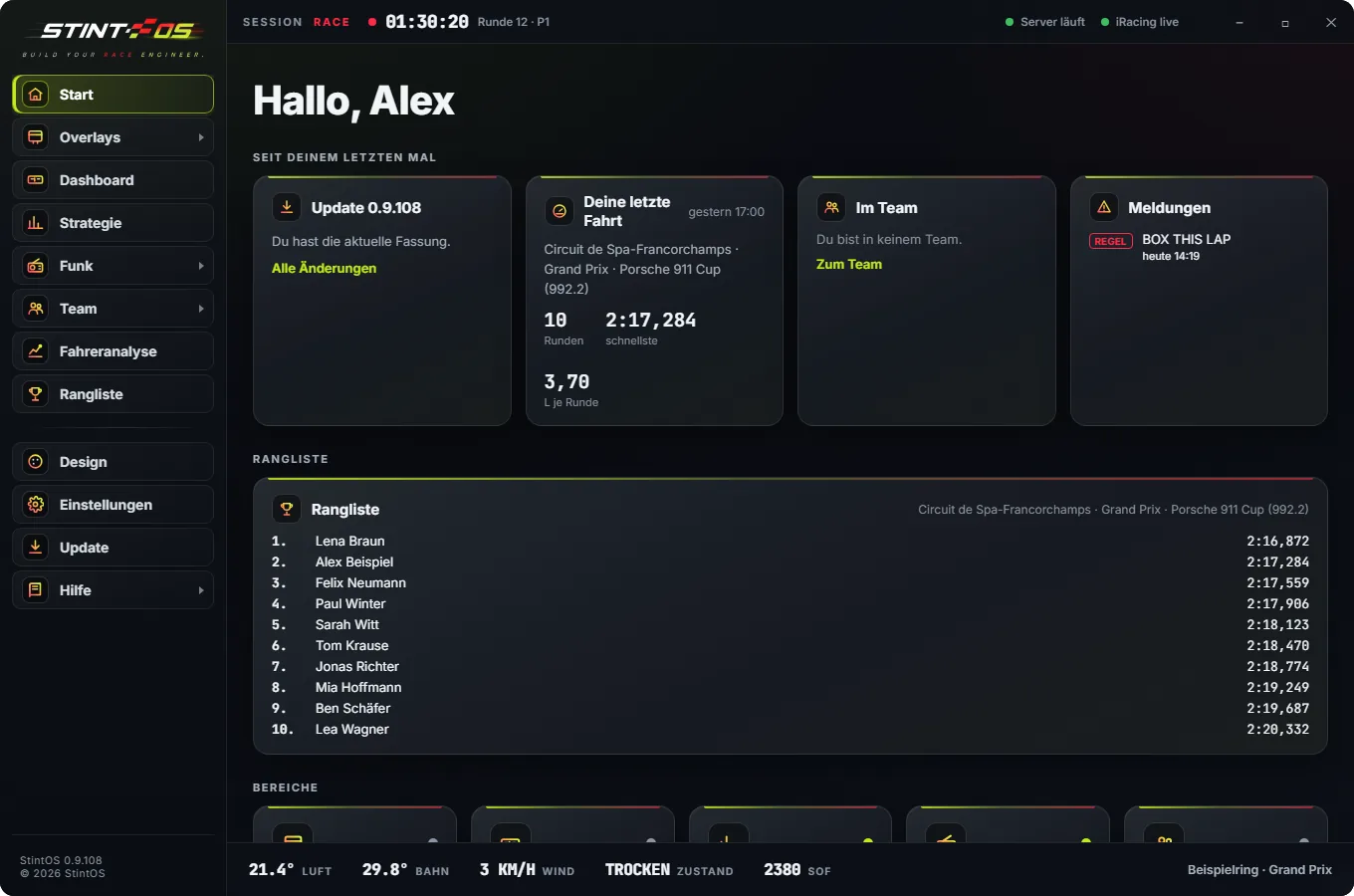
Home screen
A greeting, what happened since last time, and every area at a glance.
- Update, last drive, team and messages
- Your leaderboard right on the home screen
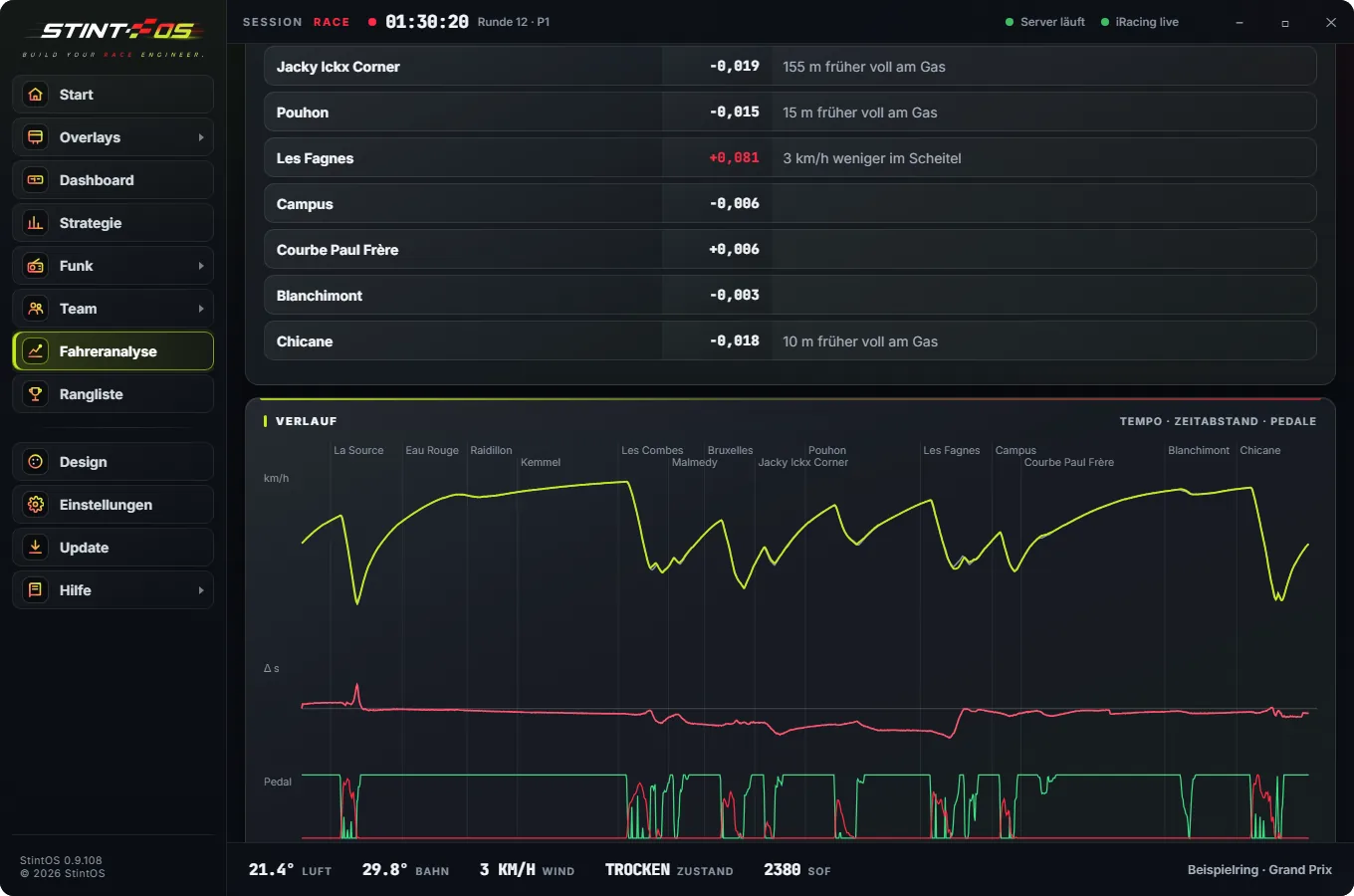
Driver analysis
Corner by corner you see where you lose time and why: earlier on the throttle, more speed at the apex. Against your best lap, another lap or the leader. Plus the ideal lap from your best corners. On the PC and in the app.
- Against your best, another lap or the leader
- Ideal lap from your best corners
- Debrief over the radio in the pits
- Also in the app, in the Laps tab
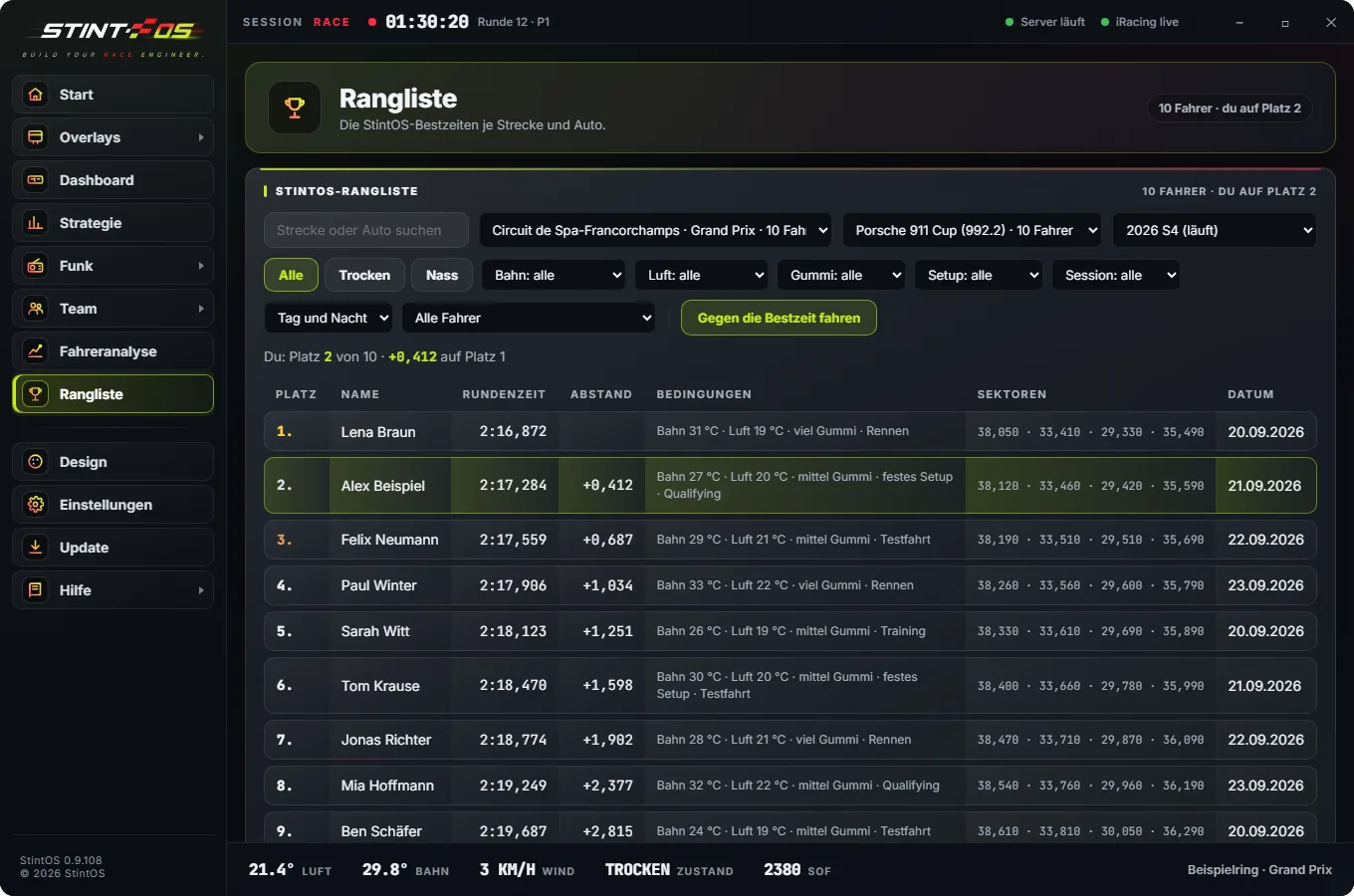
Leaderboard
The StintOS leaderboard per track and car or class, per season. Every time shows the conditions it was set in.
- Per track and car or class, per season
- Filters: track, air, rubber, wetness, setup, session
- Race a ghost or compare
- Best sectors and team leaderboard
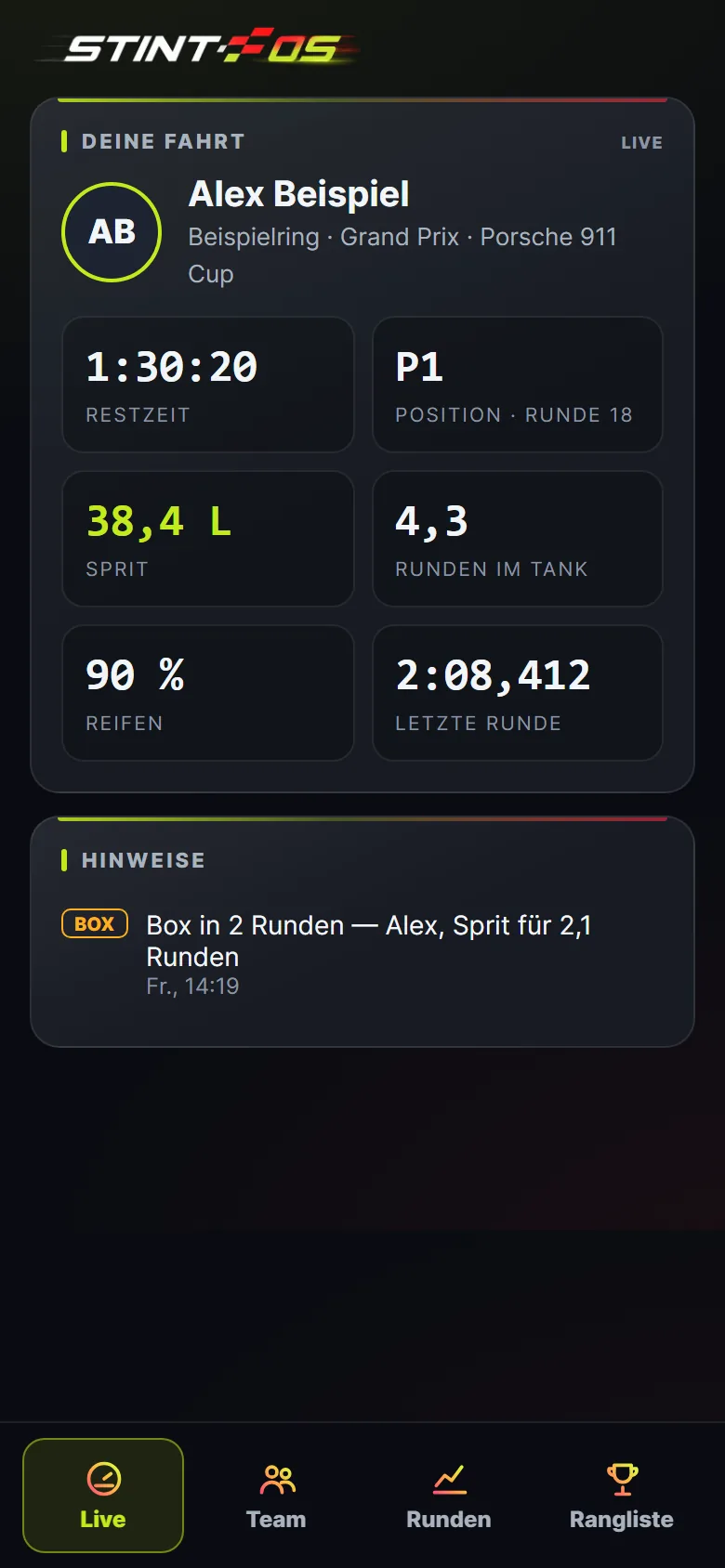
App
Live, team, laps with driver analysis and the leaderboard on your phone — plus the team radio. Same account as on the PC, no app store, even when the PC is off.
- Live: time left, position, fuel, laps in the tank
- Team: who is driving, calls, spectators via QR code
- Laps with driver analysis, leaderboard with comparison
- Push for pit calls, new bests and when someone beats your time
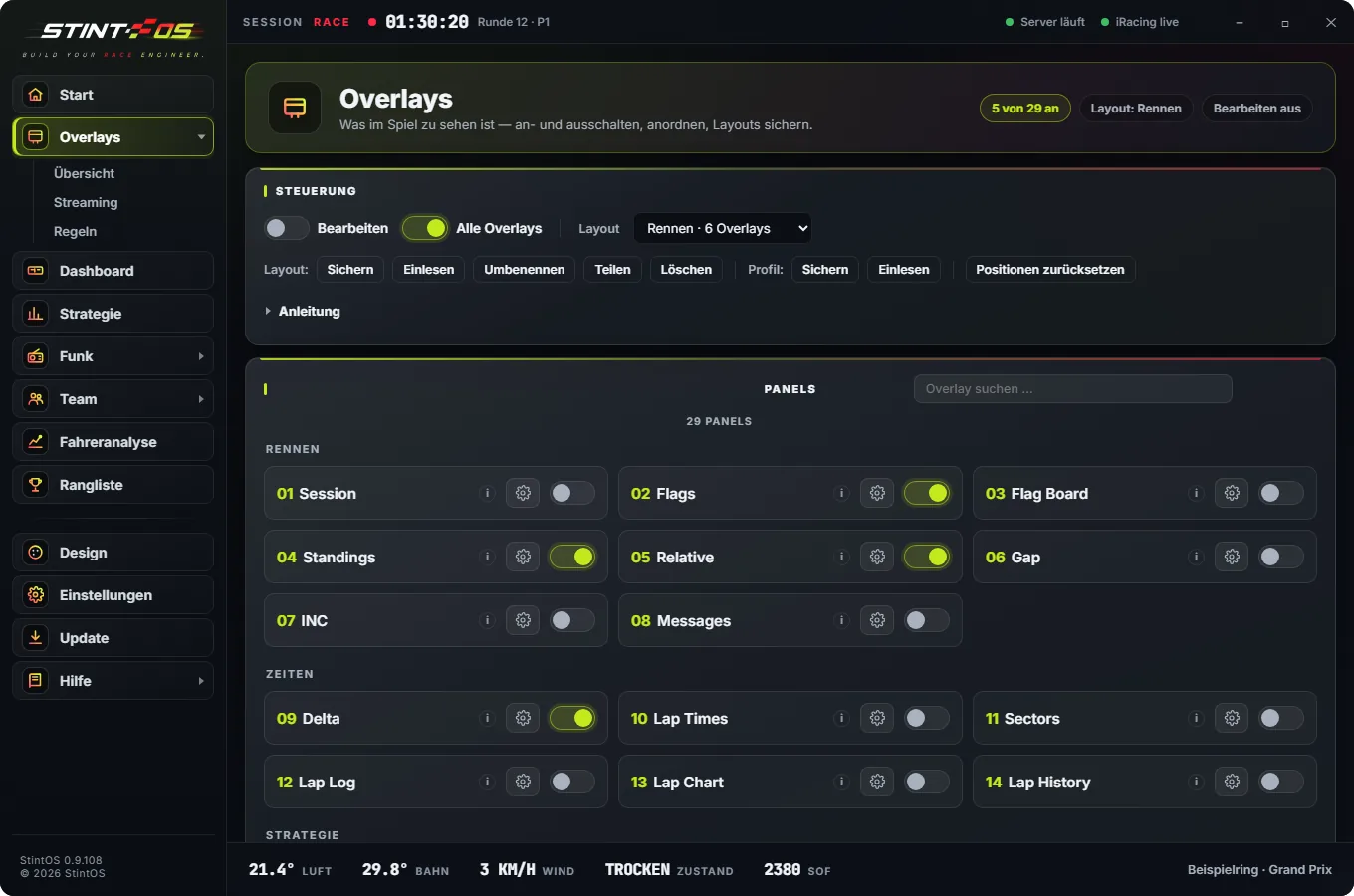
29 overlays
Gaps, relative, radar, fuel, tyres, weather, flags, map. Each one configurable.
- Relative, radar, gaps, fuel, tyres
- Weather, flags, map, pedals
- Several layouts, one click; every overlay also as an OBS source
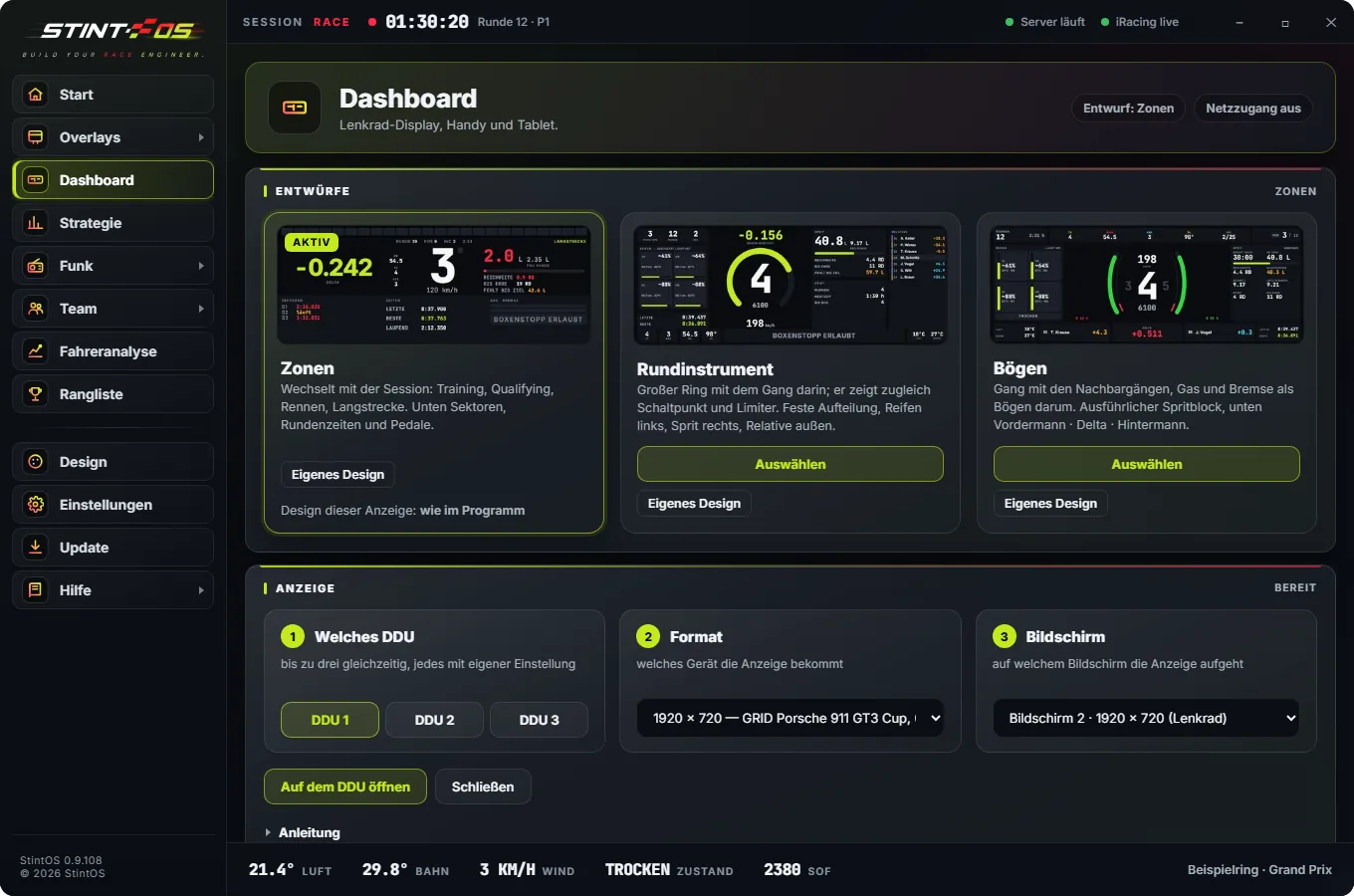
Dashboard and DDU
Borderless on your DDU, or on a tablet or phone on your home network via QR code.
- Rev bar with the real shift points from iRacing
- Delta, gear, fuel, sectors, times, throttle and brake
- Flags and pit lane take over the whole display
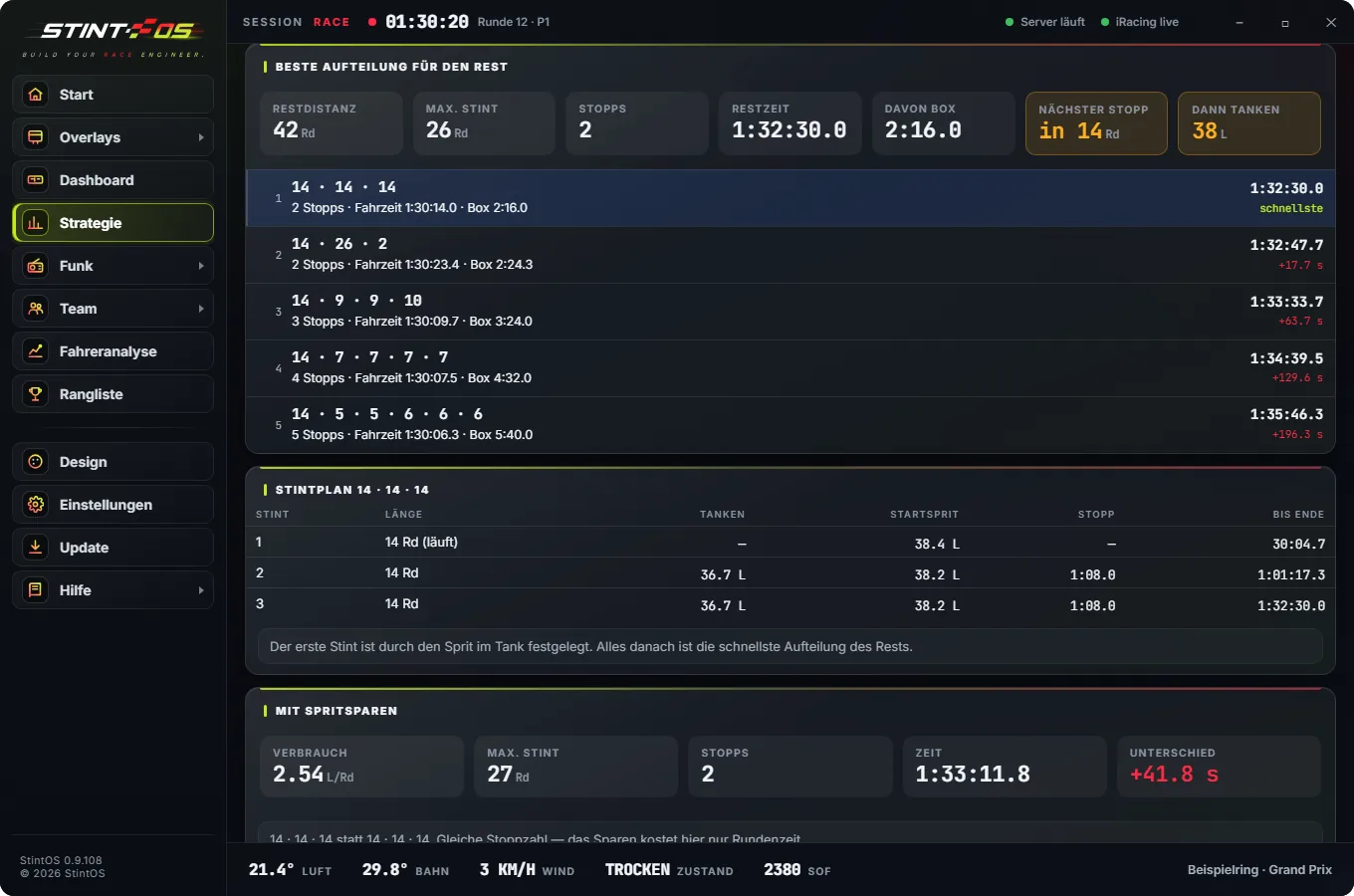
Strategy
Stints and stops calculated, with fuel saving and the next-best option, including what it costs you.
- Fuel amount is called and applied
- Fuel saving and the next-best option with its cost
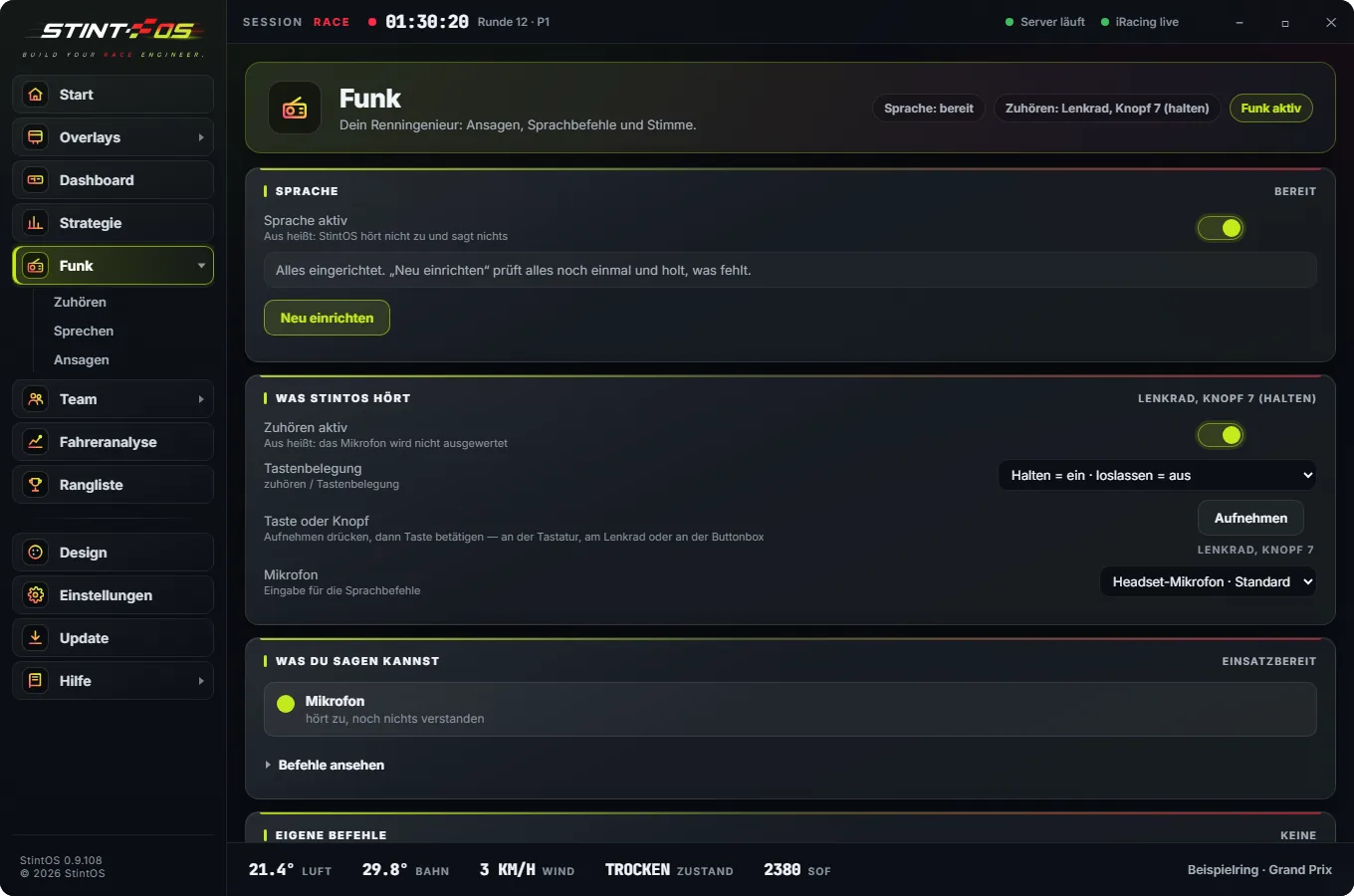
Radio and voice
Traffic, positions, flags, pit windows. Ask questions by voice or wheel button.
- Announcement groups switched on and off individually
- Voice commands or wheel button
- Windows voice or Piper, both without internet
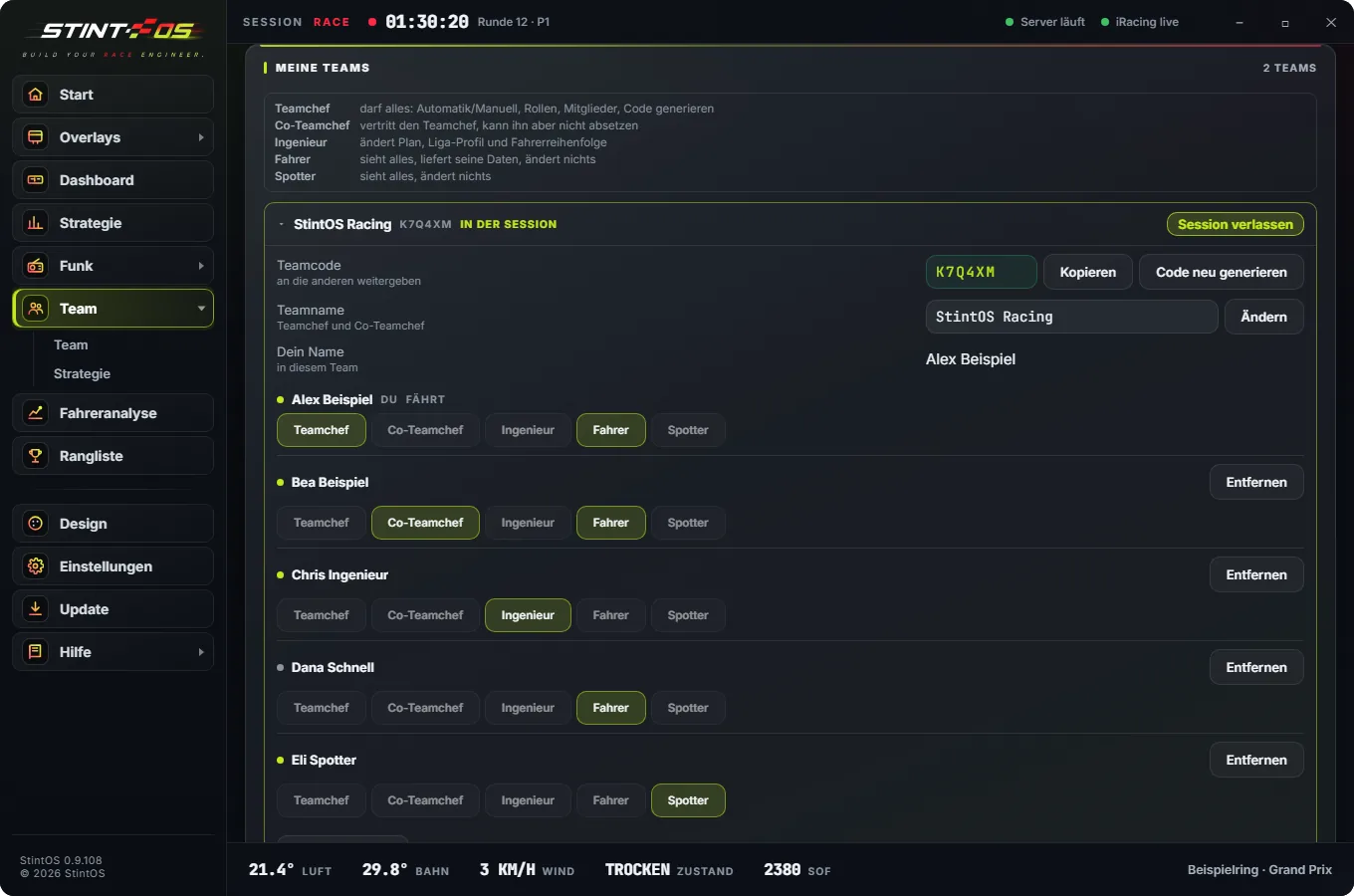
Team
A team code instead of setup. Info monitor with driver, time left, fuel and calls like “Box in 2 laps”.
- Who is driving, time left, fuel, laps in the tank
- Calls like “Box in 2 laps” for the whole team
- Spectators via QR code
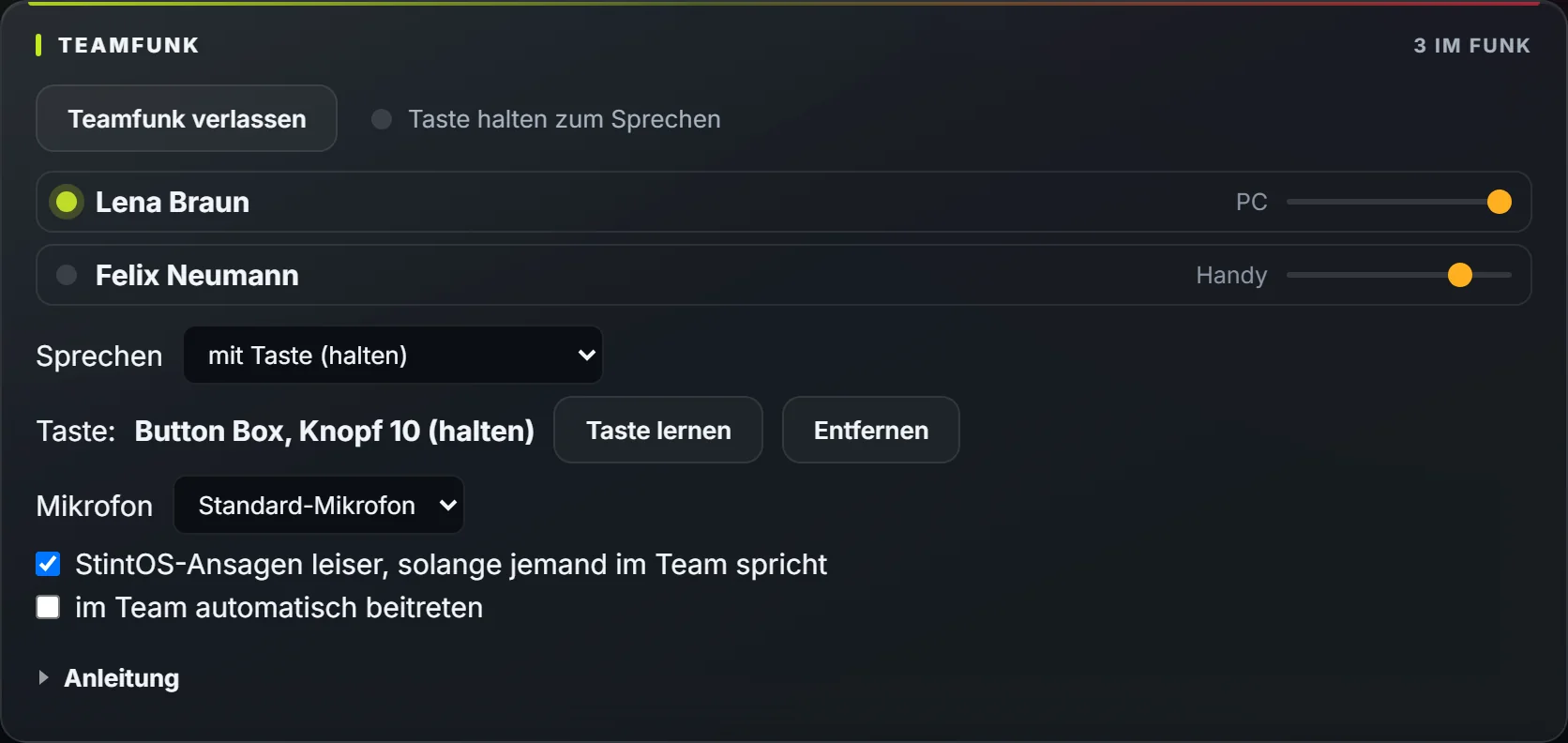
Team radio
Talk to your team without running Discord — on the PC and in the app.
- Hold a wheel or tablet button, voice activated, or open mic
- Channels by role: all, pit wall, driver + spotter — and the pit wall straight to the driver
- Talk openly with everyone, even while driving — switch by voice or wheel button
- In the app, one switch: push to talk or open
- StintOS calls get quieter while the team is talking
- Direct and encrypted, even behind strict routers
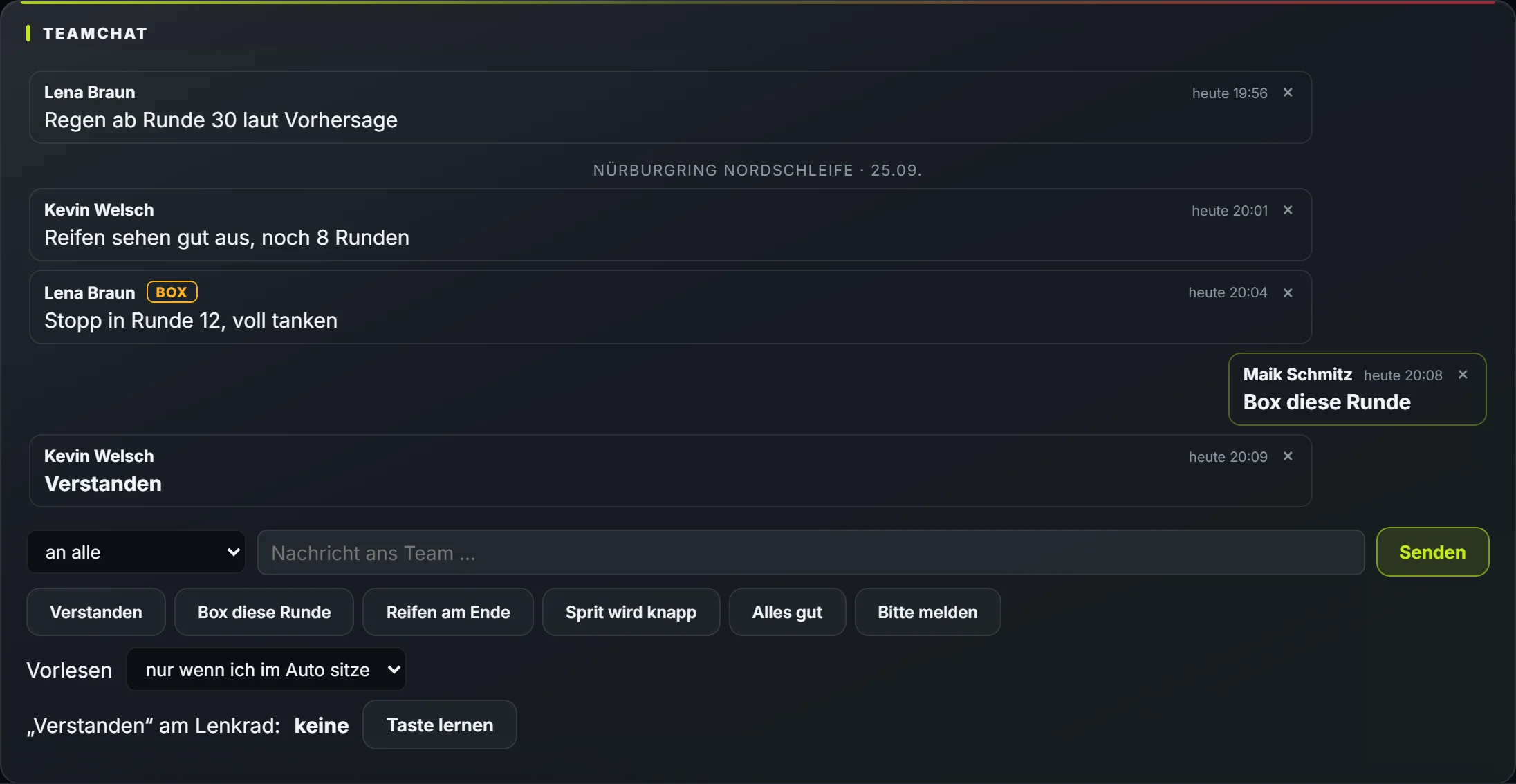
Team chat
Write to your team — on the PC, in the app and in the car without typing.
- In the car StintOS reads new messages aloud
- Reply by voice, wheel button or tablet
- Channels by role, race messages with track and date
- New messages from all your teams on the start page
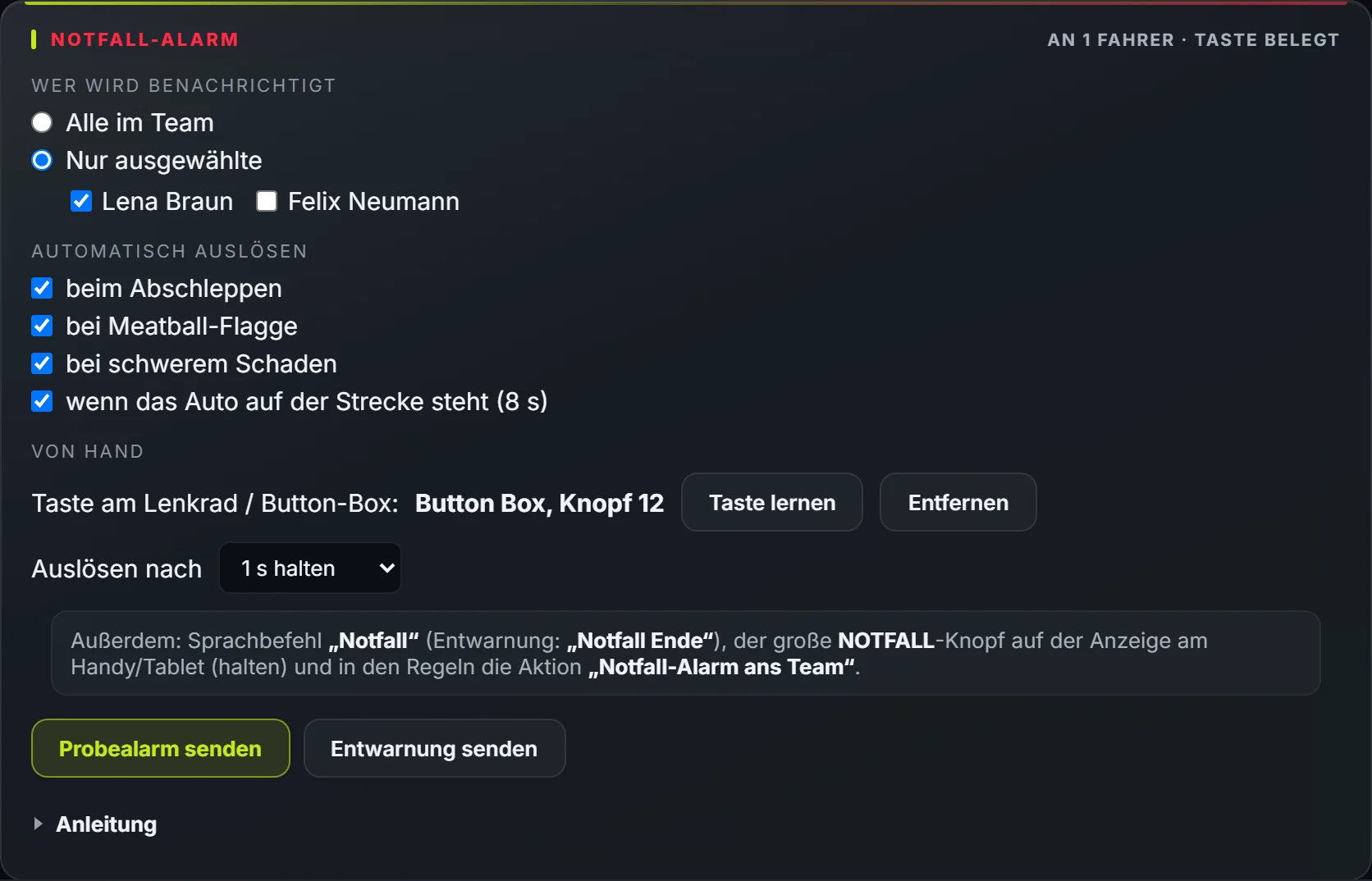
Emergency alert
One button and your team knows — red on their phones until someone confirms.
- Wheel button, big tablet button, voice command or rule
- Automatically when towed, on meatball, damage or when the car stops
- To the whole team or chosen drivers; the radio tells you who saw it
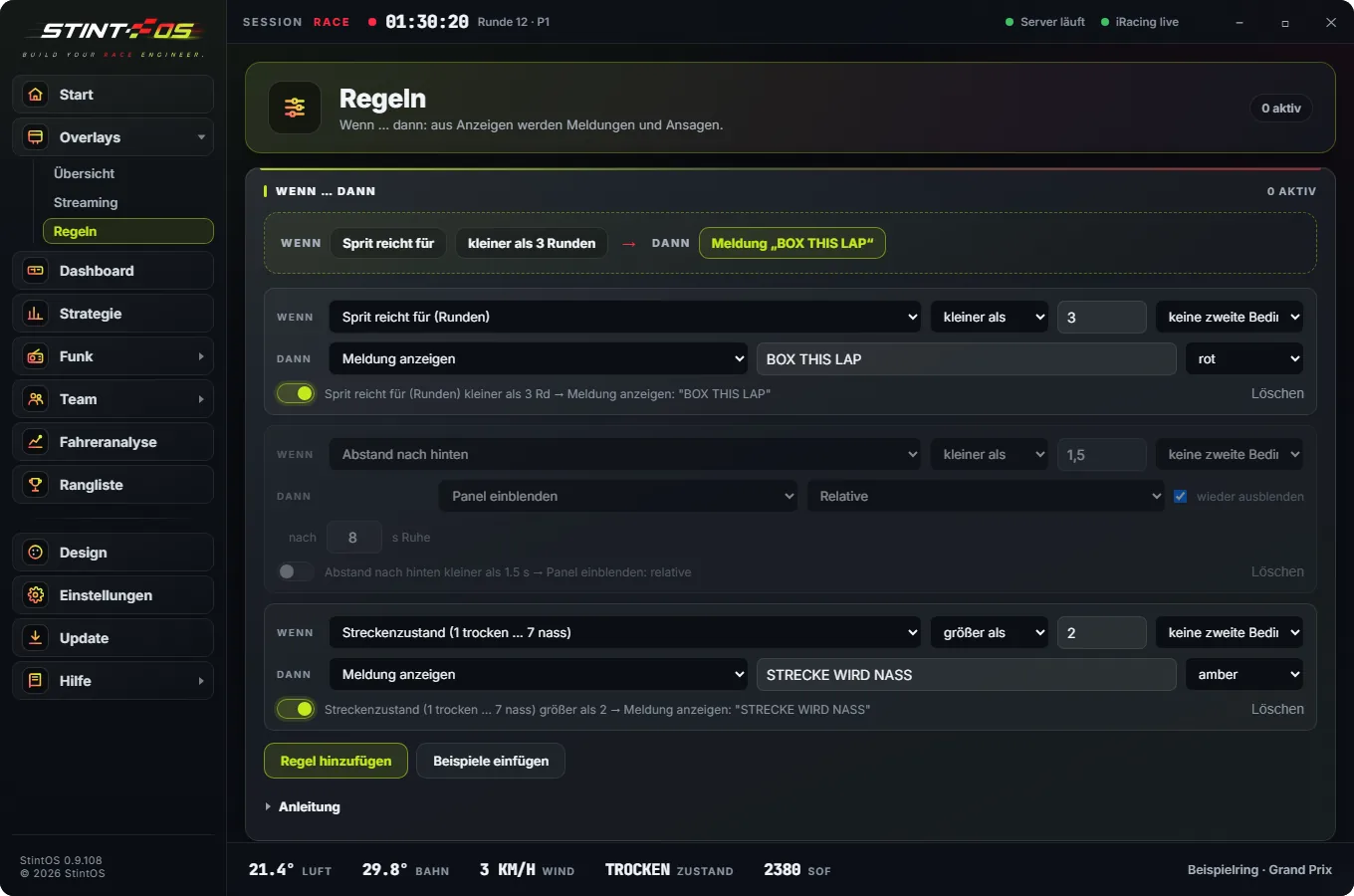
Rules
If fuel drops below three laps, call “Box this lap”. Your conditions, your reactions.
- Your own conditions from any telemetry value
- React with a call, an overlay or a message